Run a quiz night that looks like television.
Write the questions in your browser, run the show from your laptop and put it on the TV the whole room watches. No PowerPoint, no phones, nothing to install.
Or host it now, on your own TV, with no account.One quiz, from the host's laptop to the room's TV

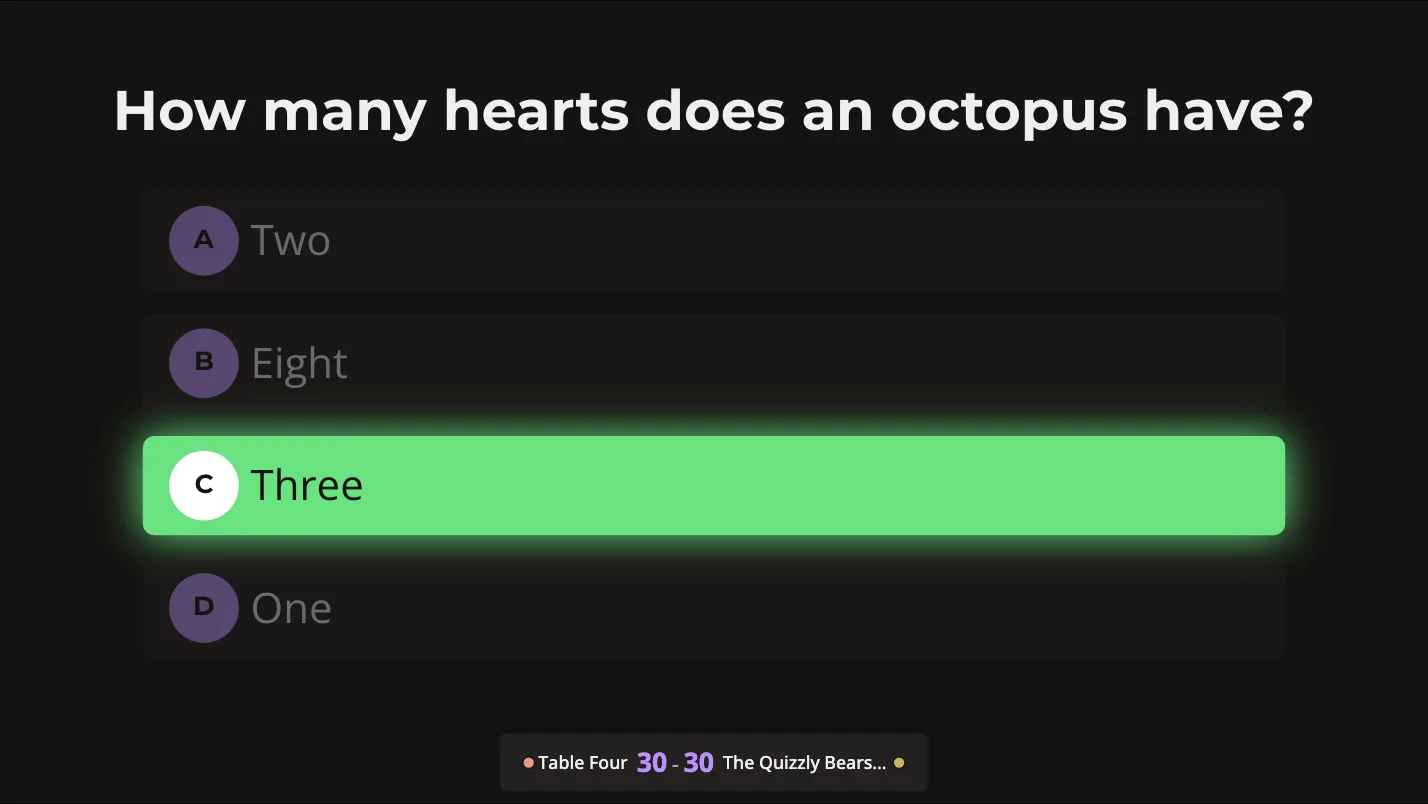
Your laptop is backstage. The TV is the show.

One press on the laptop. One change on the TV.
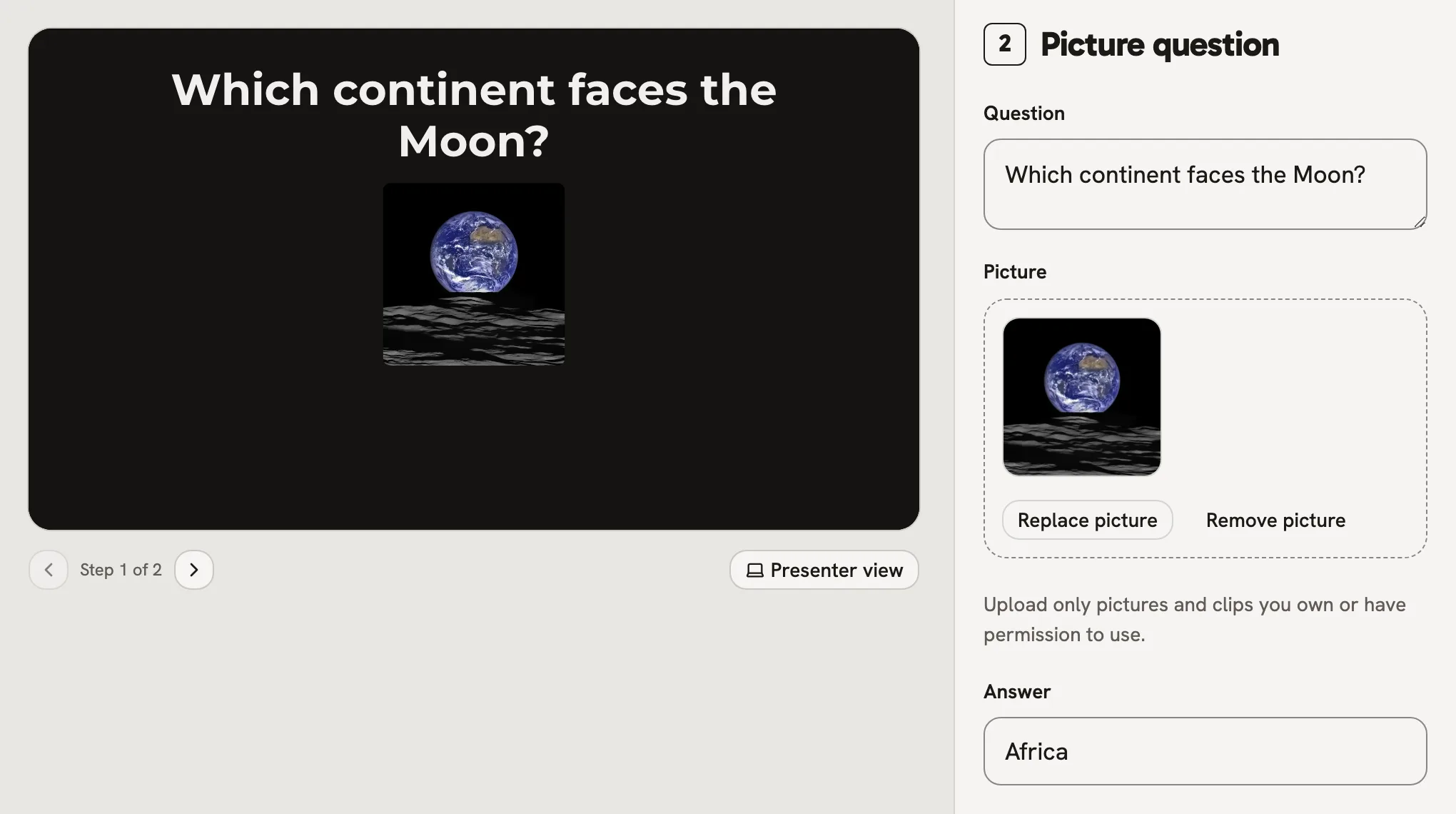
Write a question
Type it once and drop the picture in. The preview beside it shows exactly what the TV will, and it saves itself.
Reveal the answer
One press on Space and the answer is up on the TV, for every table at once.


Score as you go
Tick the team that got it. Their total on the TV counts up.

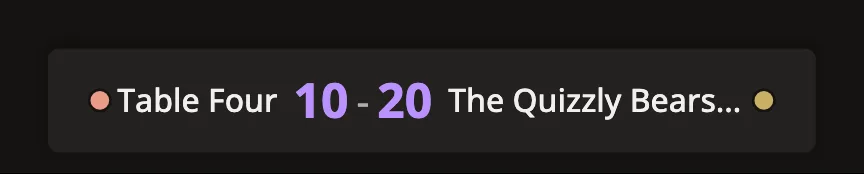


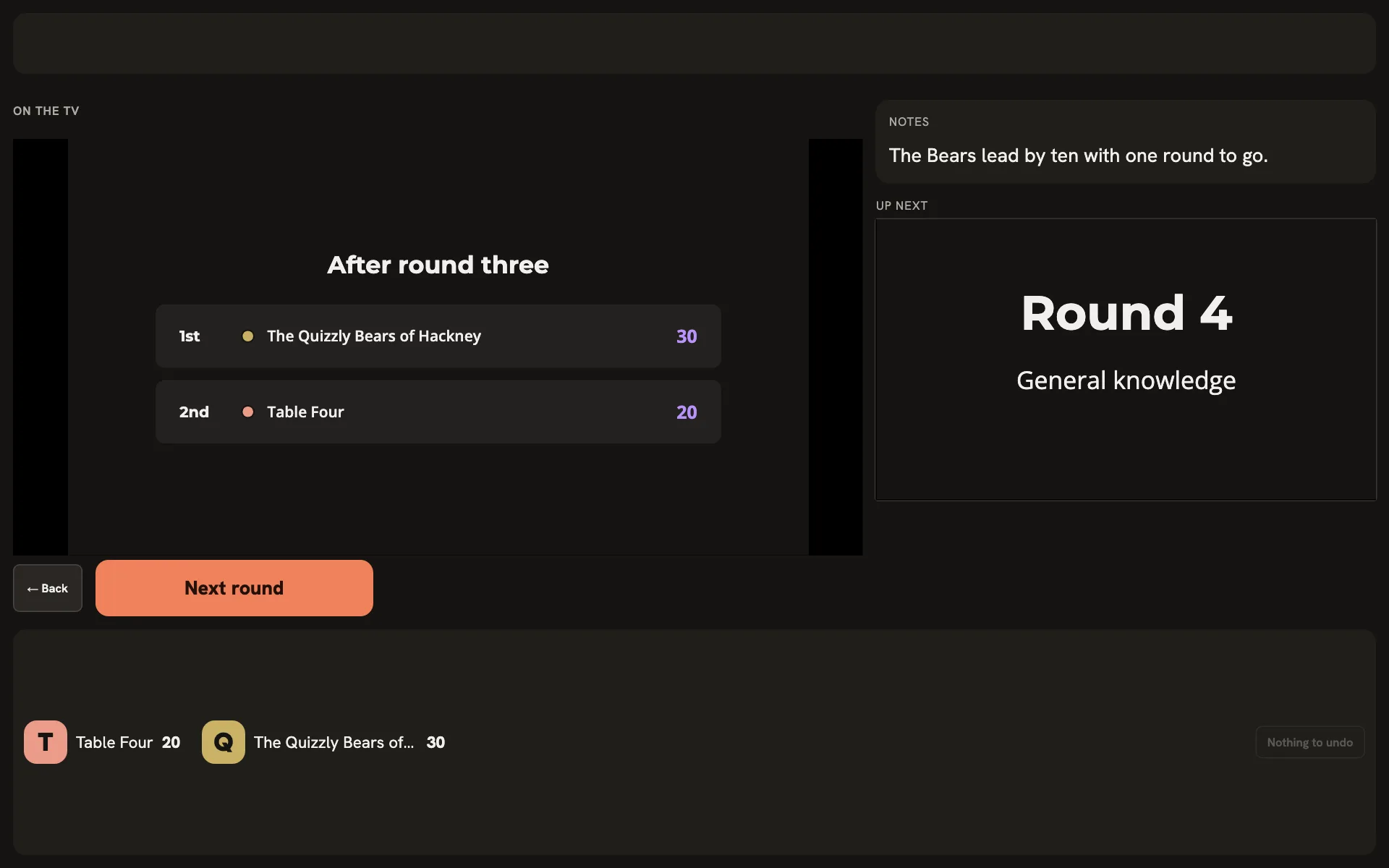
Your screen during a question.

- On the TVWhat the room is looking at, as they see it.
- Answer and notesYours alone. The TV never shows them.
- Up nextThe slide after this one, before the room sees it.
- One buttonNamed for what it does next: Reveal answer, Next question, Final scores.
- A tile per teamTick the team that got it. Undo takes it back.
- Space
- Whatever is next
- R
- Reveal the answer
- Shift 1 to 6
- That team got it
- T
- Scores on the TV, and off again
- U
- Undo the last score
Look up together.
One laptop, one big screen and a room watching it. Nobody needs a phone, an app or a code to join, and nobody is looking down.
Plug the TV in as a second screen and Go live can put the show straight on it. Then the room looks up.
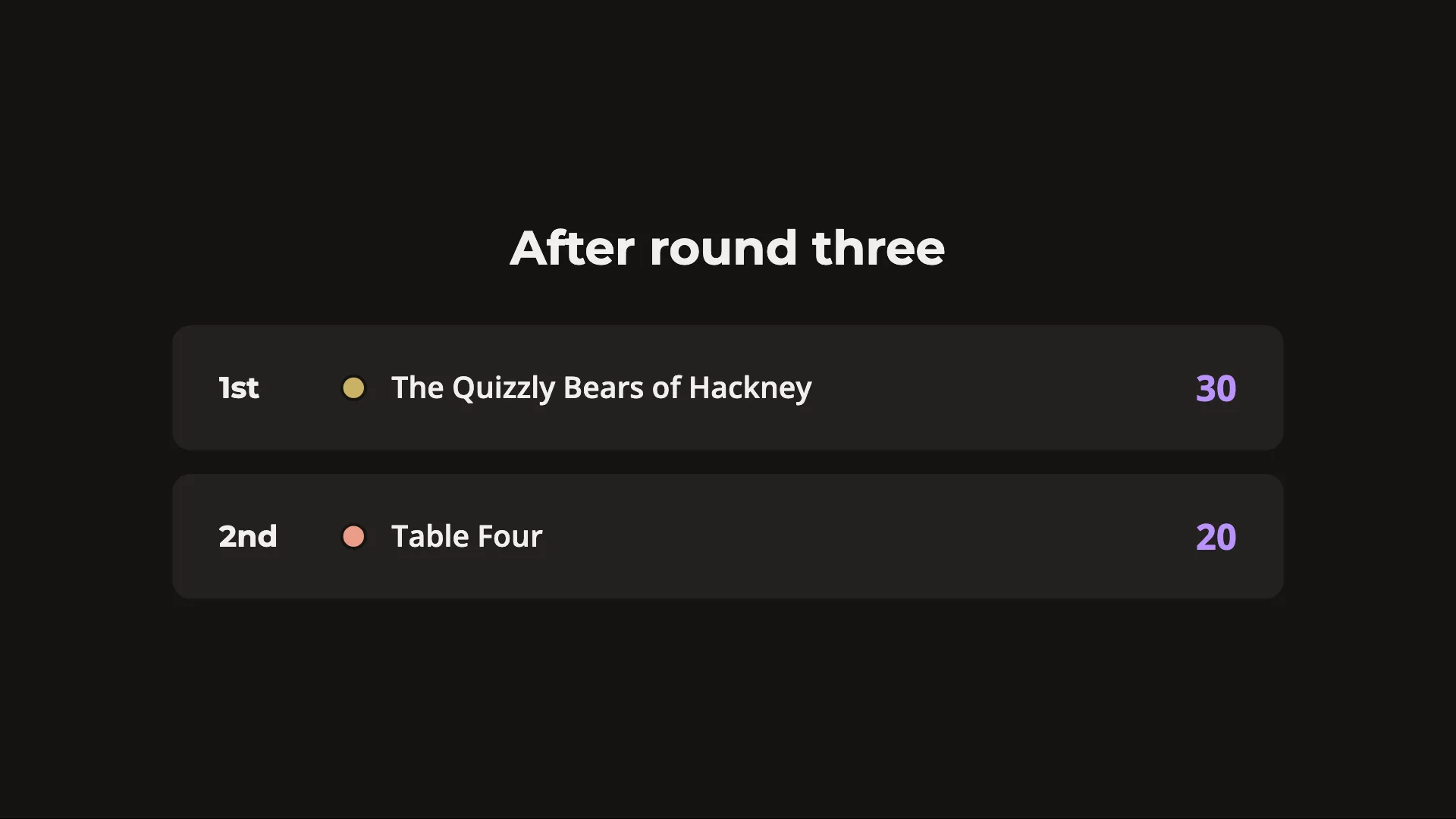
Thirteen kinds of question.

Open question
A question with a written answer. The workhorse of most rounds.
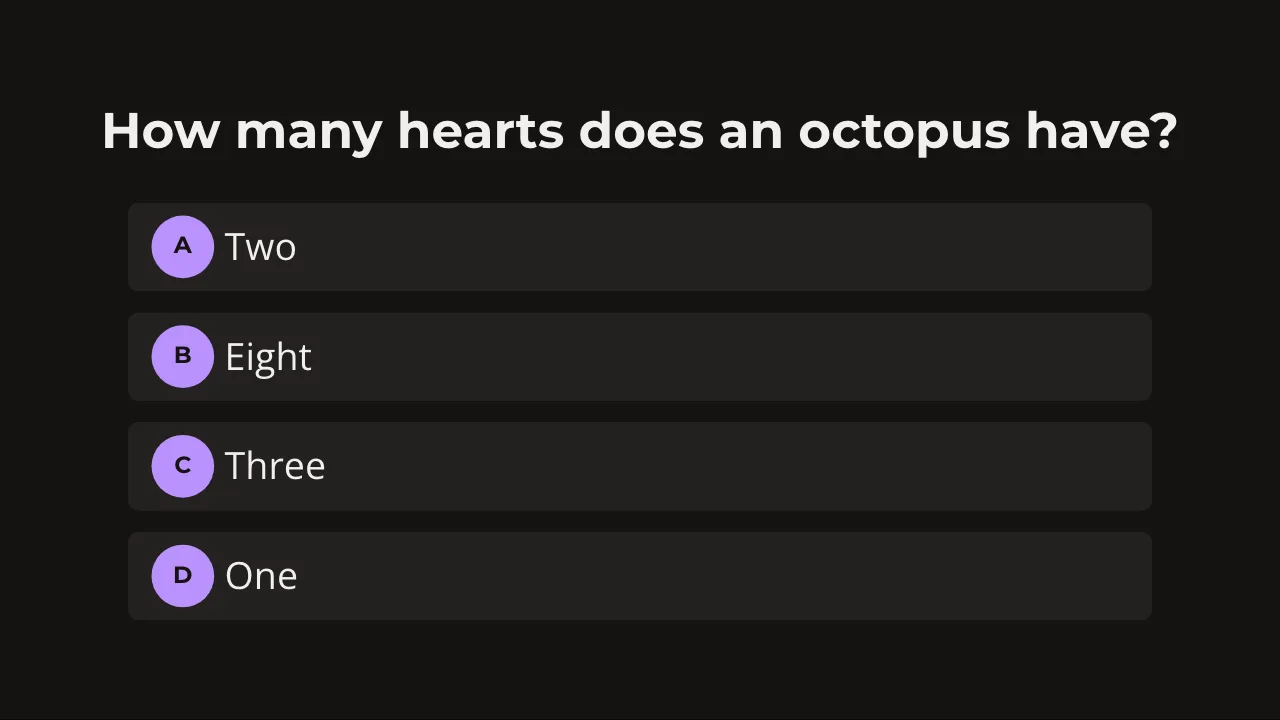
Multiple choice
A question with options and one right answer.
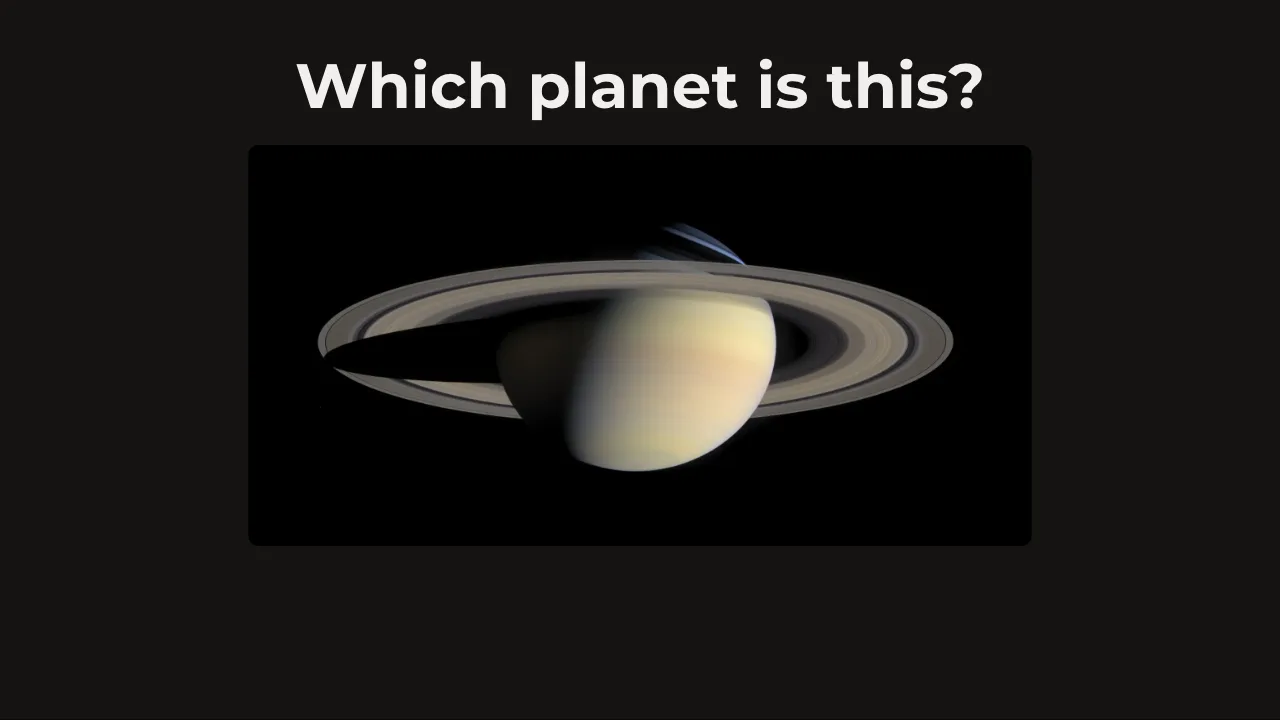
Picture question
A question about a picture, revealed with the answer.
And audio question, YouTube clip, act it out, word puzzle, picture puzzle, picture gallery, find the keywords, closest number, who am I and finish the line.
Start from a pub quiz: 3 rounds and a tiebreak laid out, the questions yours to write.
Nine of them are in the sample quiz: host it on your own TV, no account.
For when the night does not go to plan.

It saves as you go
Every change is saved a moment after you stop typing, and undo is one press away.
It picks up where you stopped
Leave a show halfway and Go live comes back as Resume, from the question you were on.
Your notes stay yours
Answers and notes are on the laptop only. The TV never shows them.


- Fair colours. Six team colours at one brightness, so no team looks like the favourite.
- Nothing to install. The laptop and the TV both run it in a browser.
- One host, every call. Nothing scores itself: you decide who got it, and you can undo it.
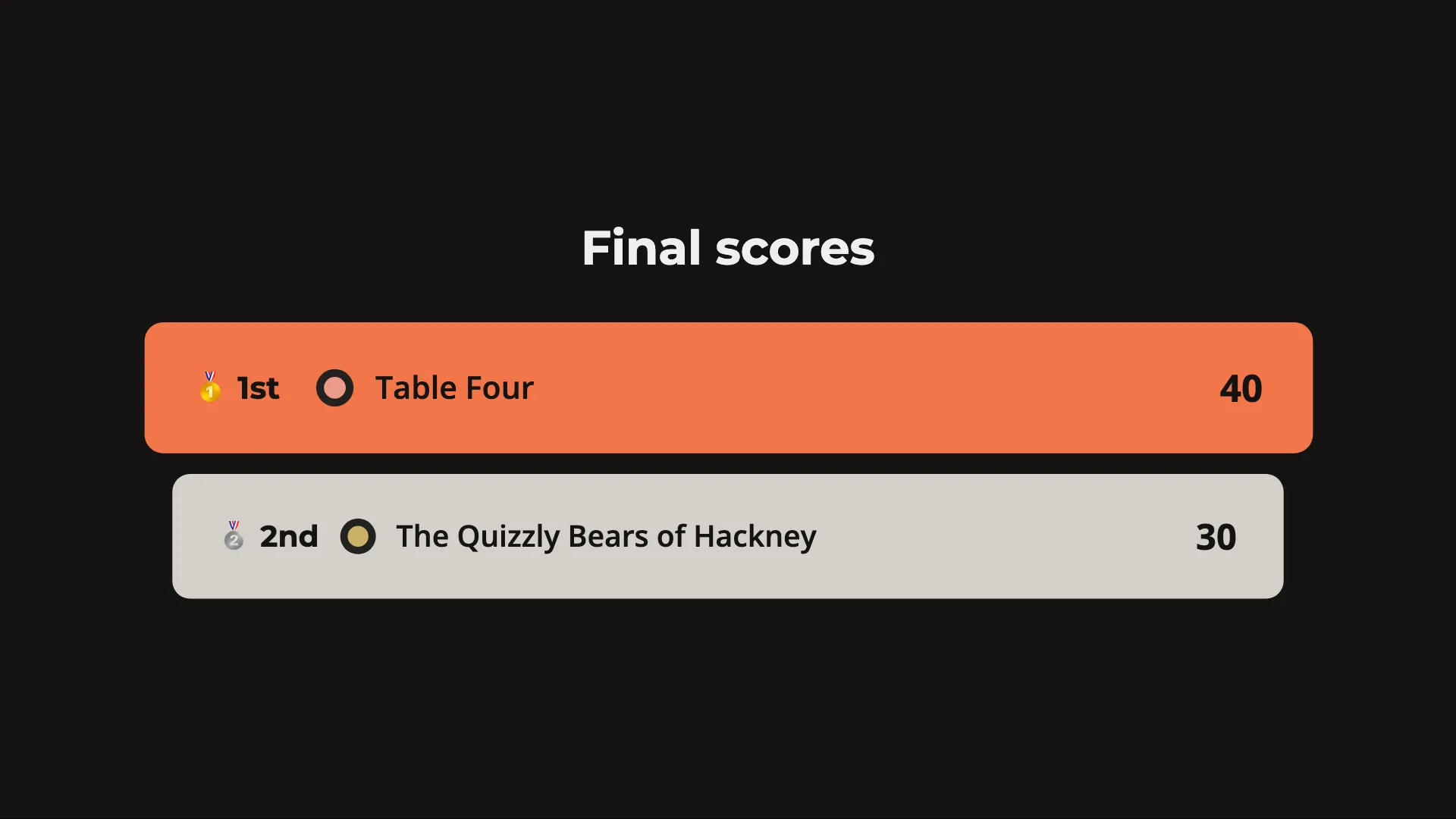
One press names the winner.
The podium keeps every name hidden until you press, then shows them all at once.
Run your first quiz night.Your next quiz night.
Start from a sample quiz to try right away.
Create a free accountOpen HuzzahAlready hosting with Huzzah? Sign in