
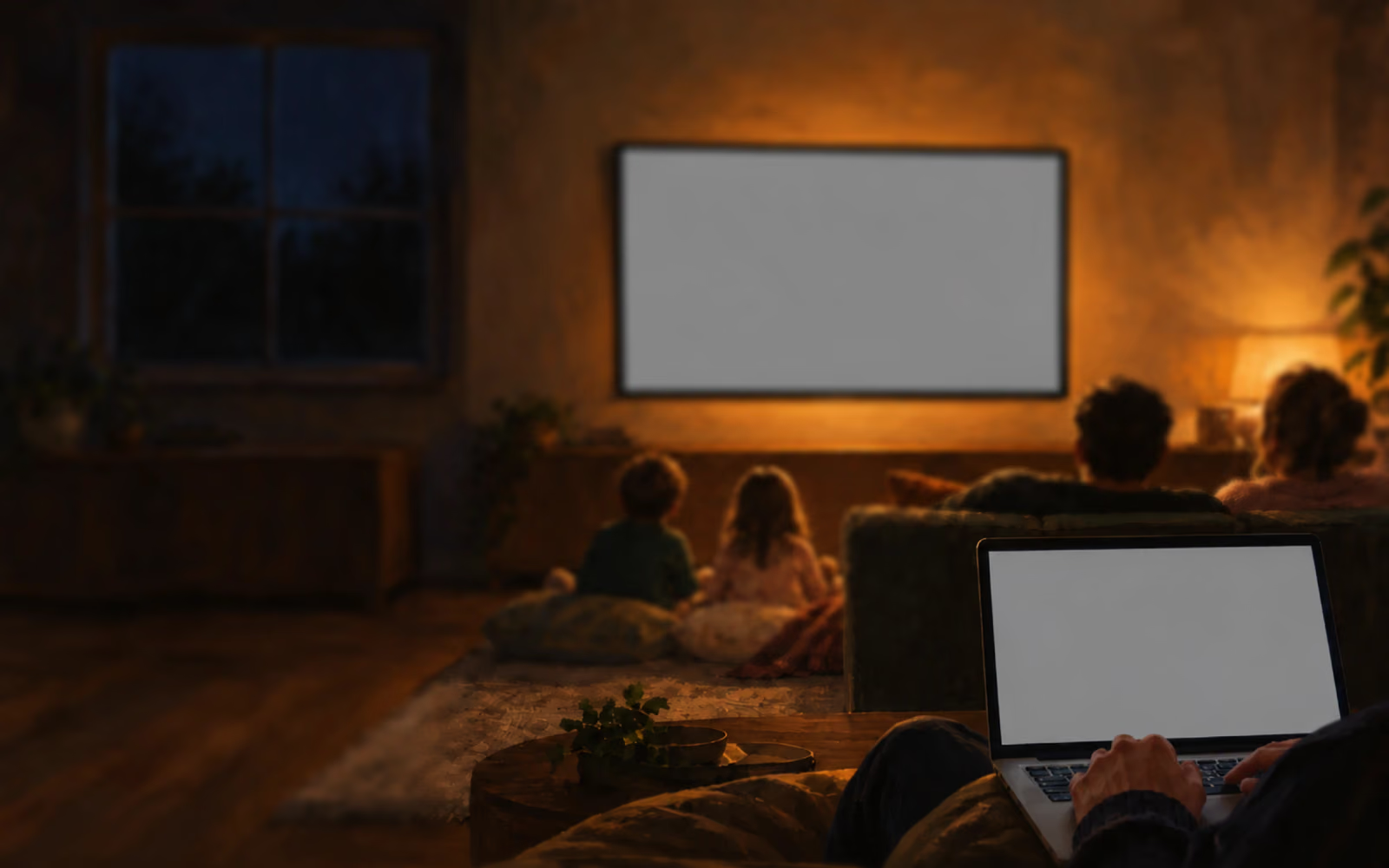



Host a family quiz night from one laptop. No phones at the table.
- Write your rounds in the browser: pictures, music, act it out.
- Plug the laptop into the TV.
- Read, reveal and score from the laptop while the family watches the screen.
Each team writes its answers on paper: the kids against the grown-ups.
Host a family quiz nowOne Saturday
From 19:30 to the winners, on one TV and one laptop.
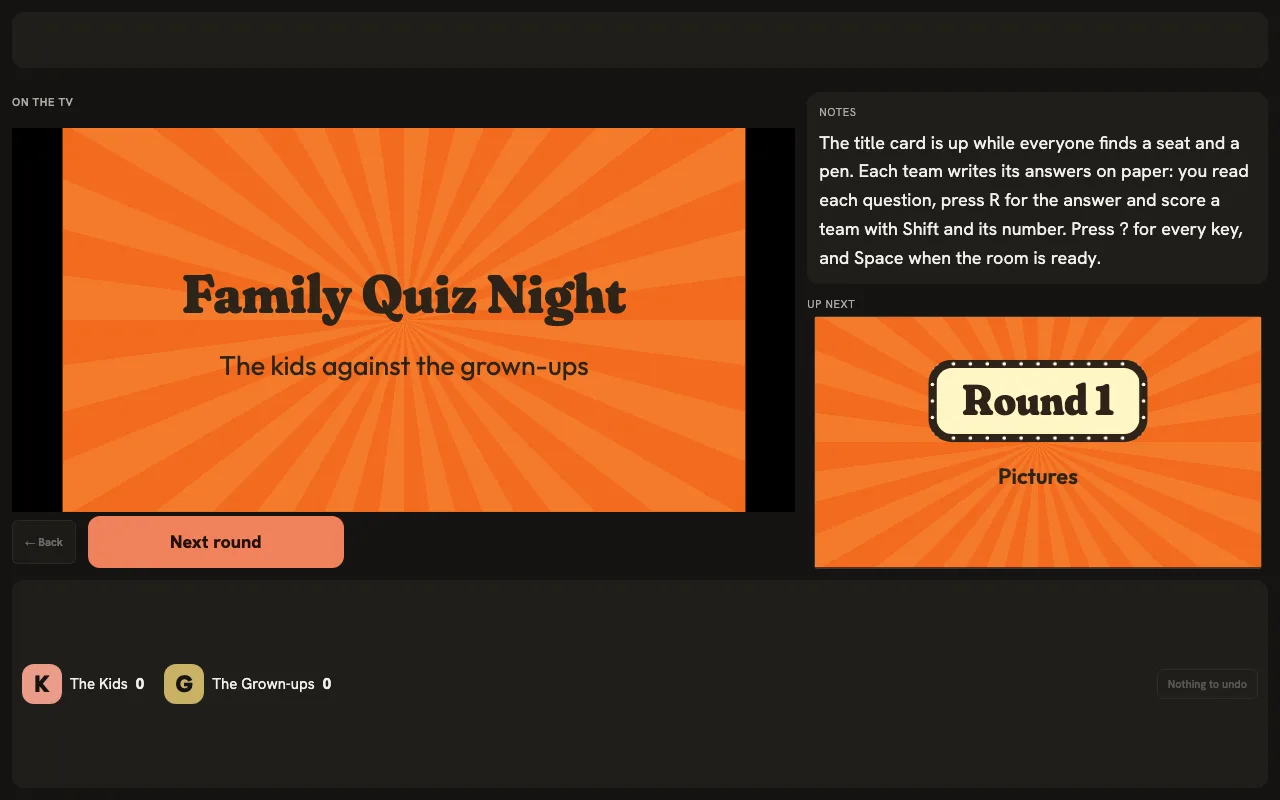
Laptop on the TV
The title card is up while everyone finds a seat and a pen.
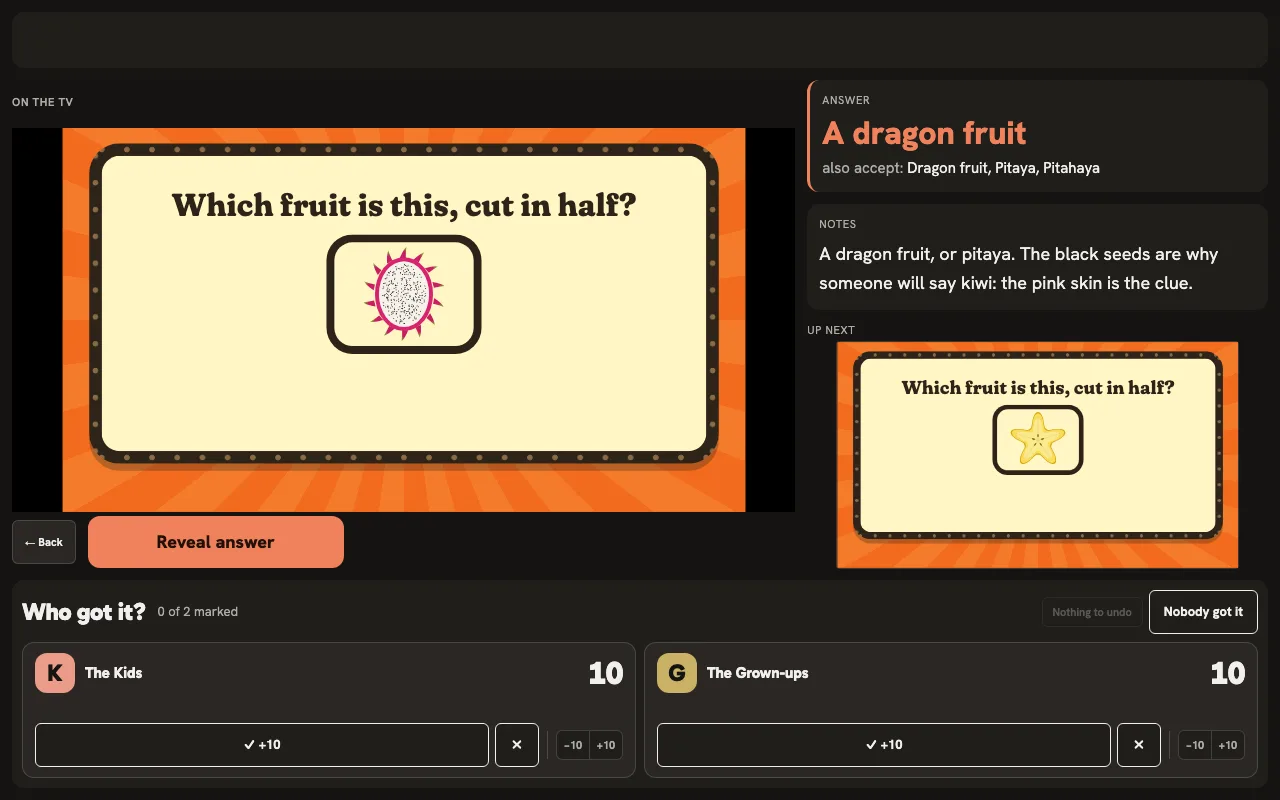
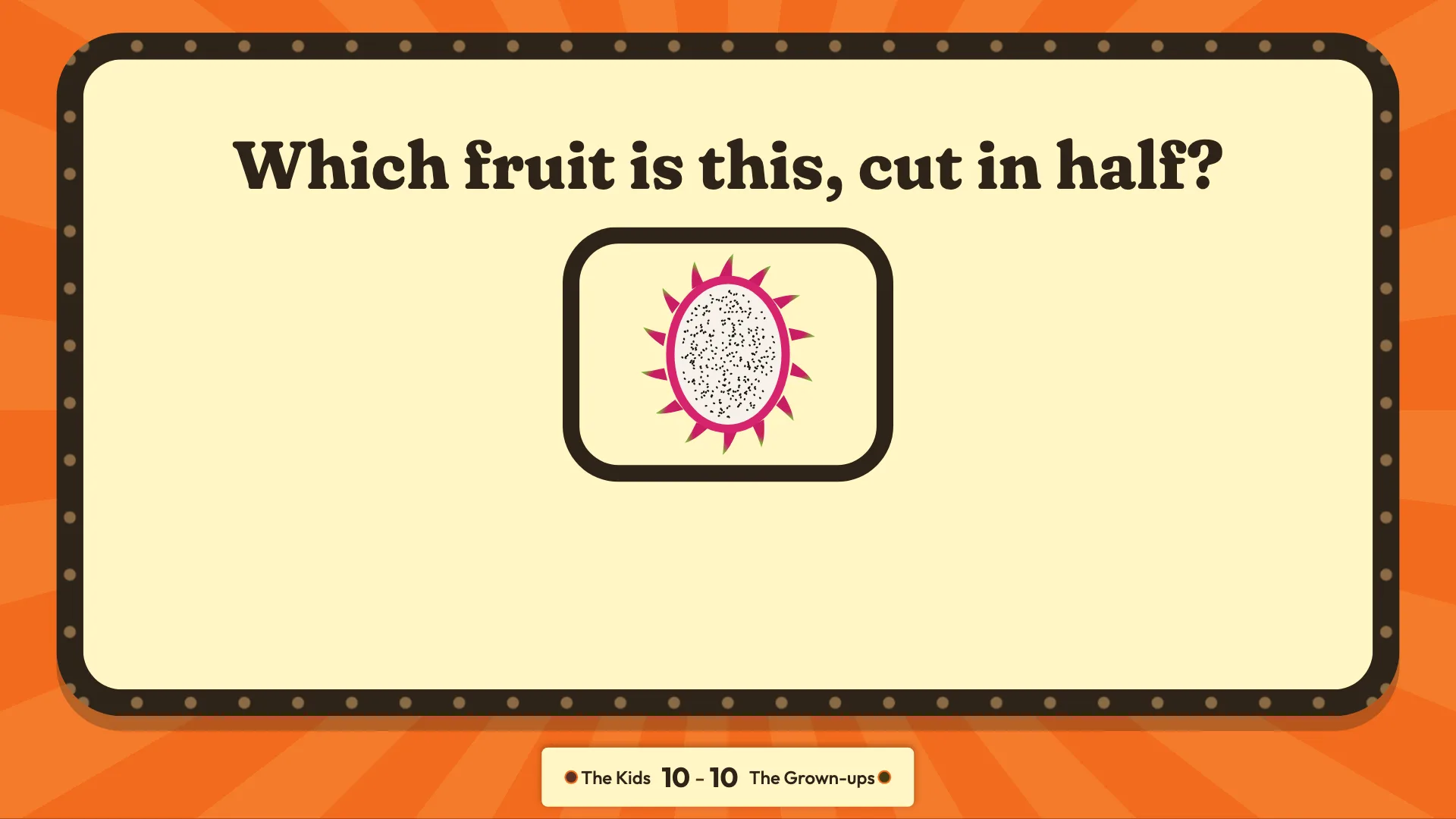
The picture round
A fruit cut in half, big on the TV, its name not up yet.
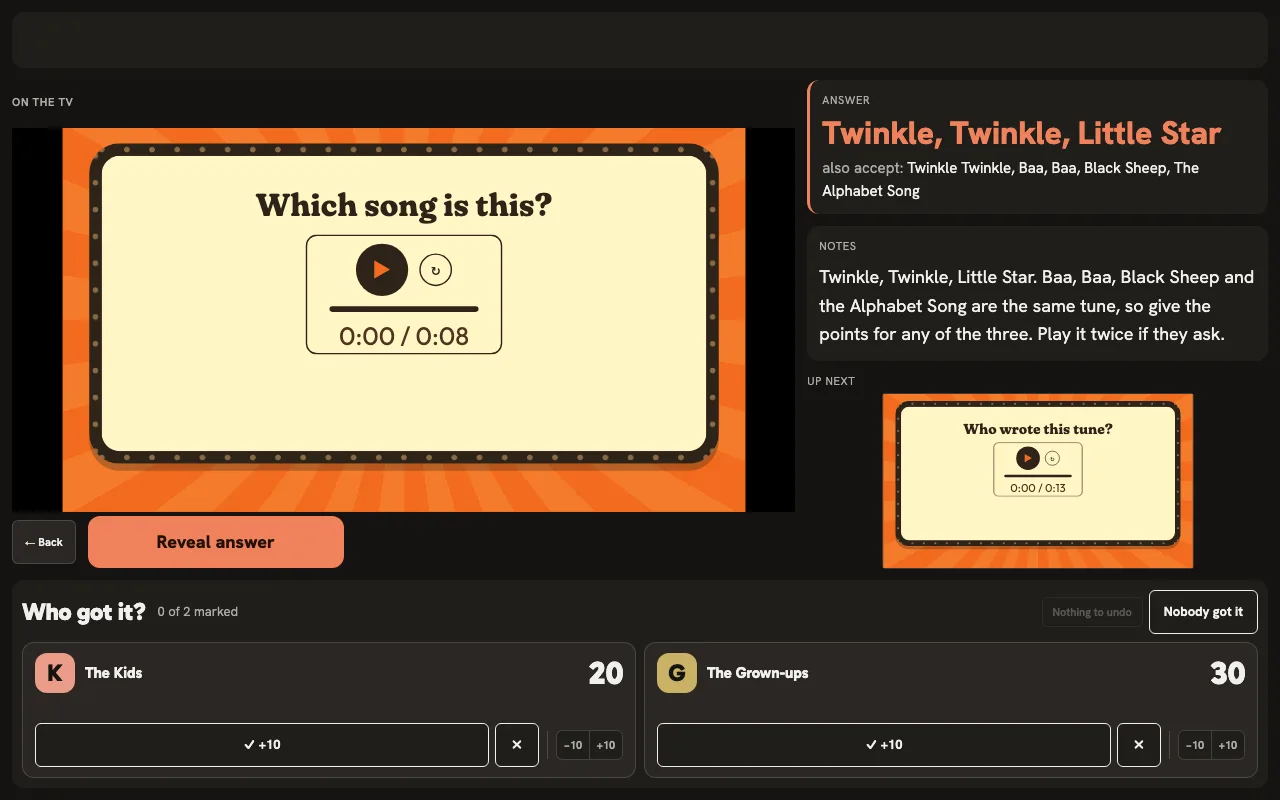
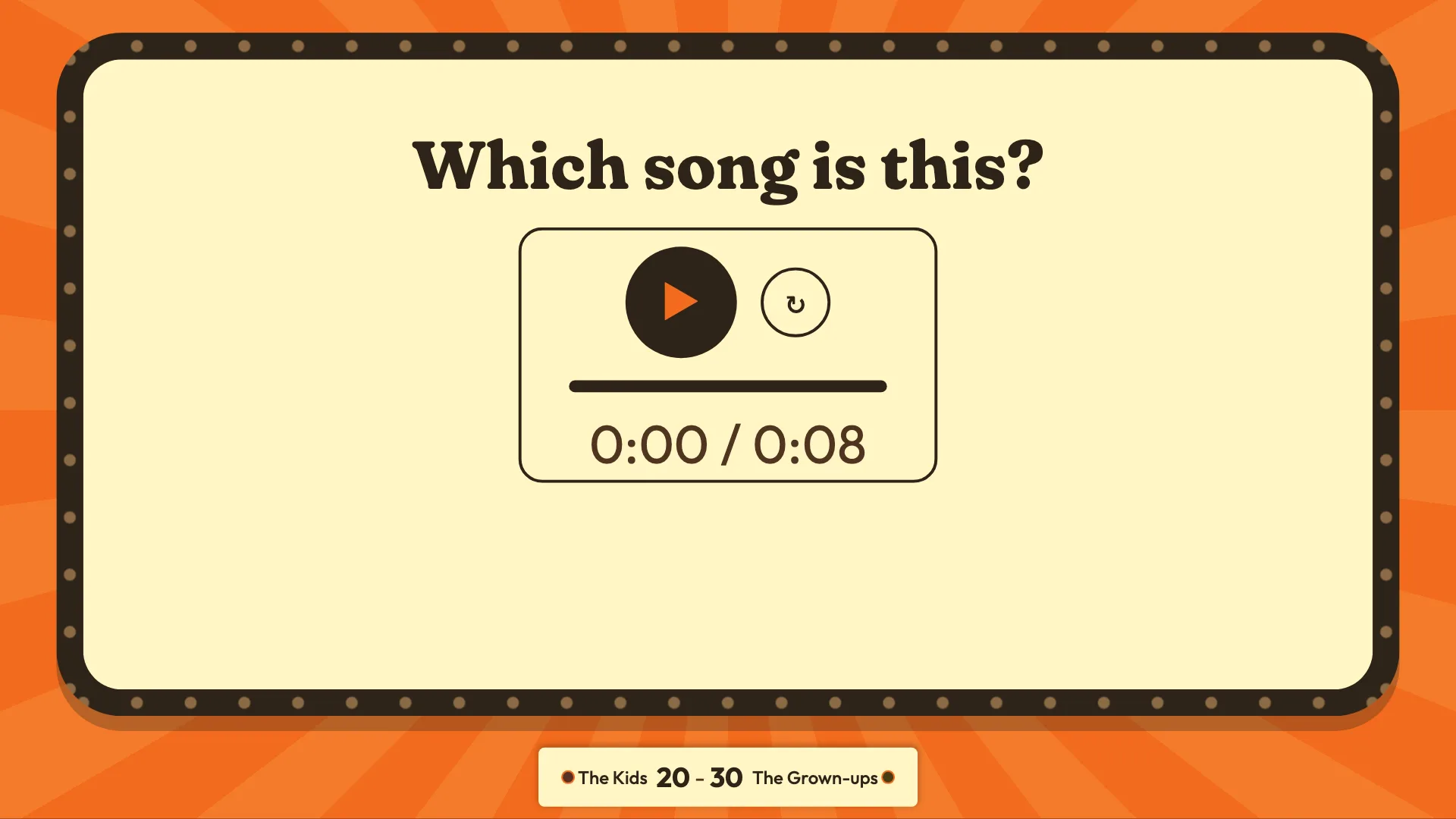
Name that tune
Press play and the tune fills the room. One song for the kids, one for the grown-ups.
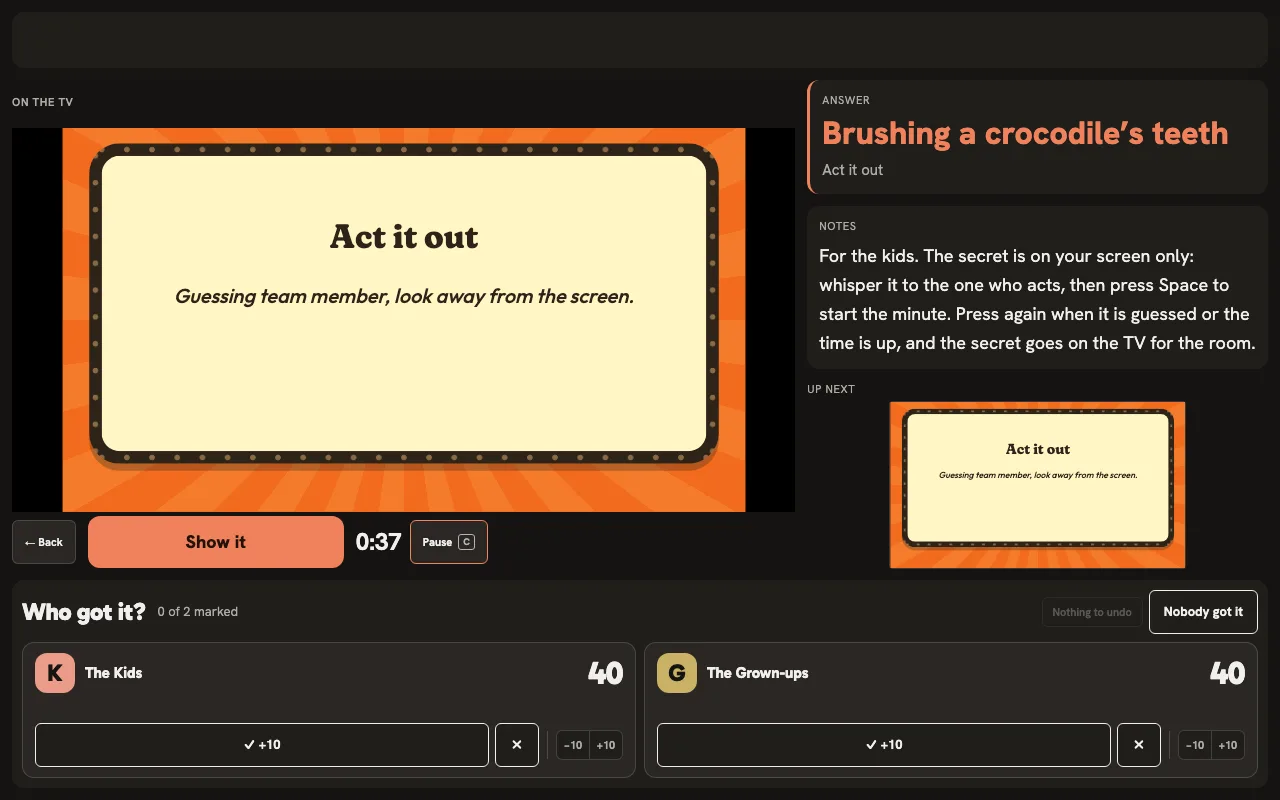
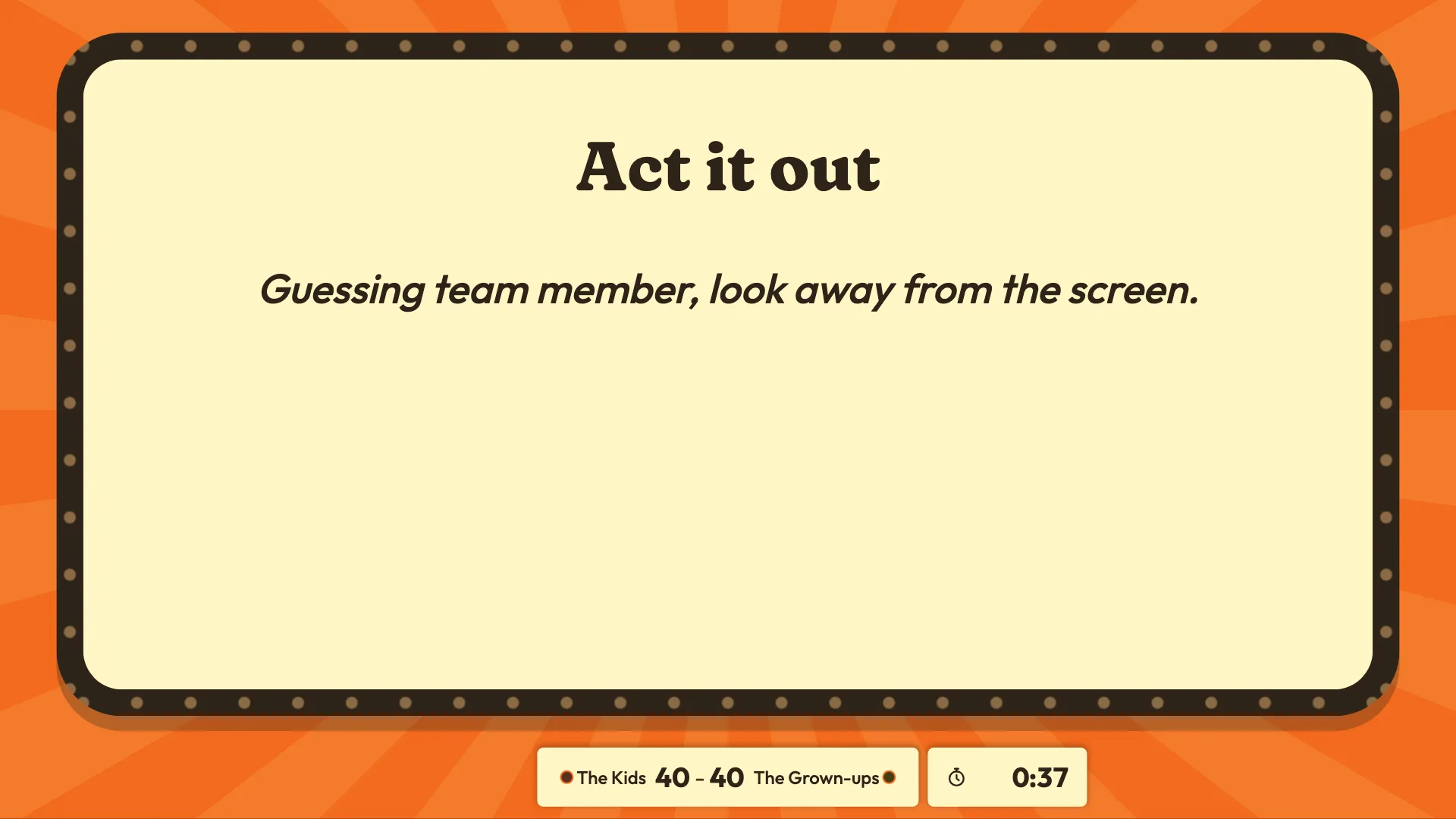
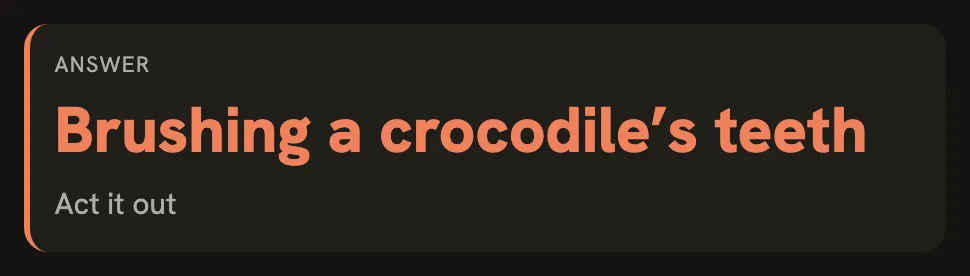
Act it out
The TV runs the minute. The secret is on your laptop only: whisper it, then press Space to start it.
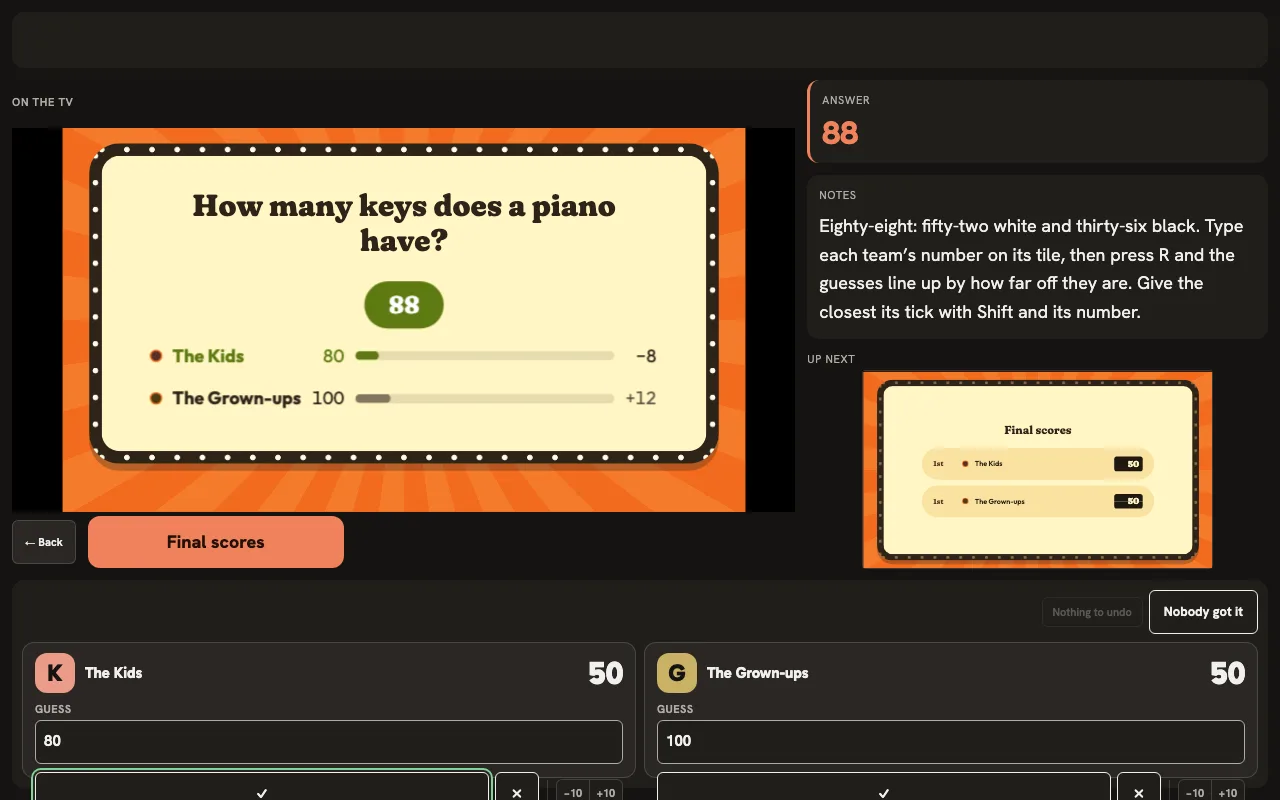
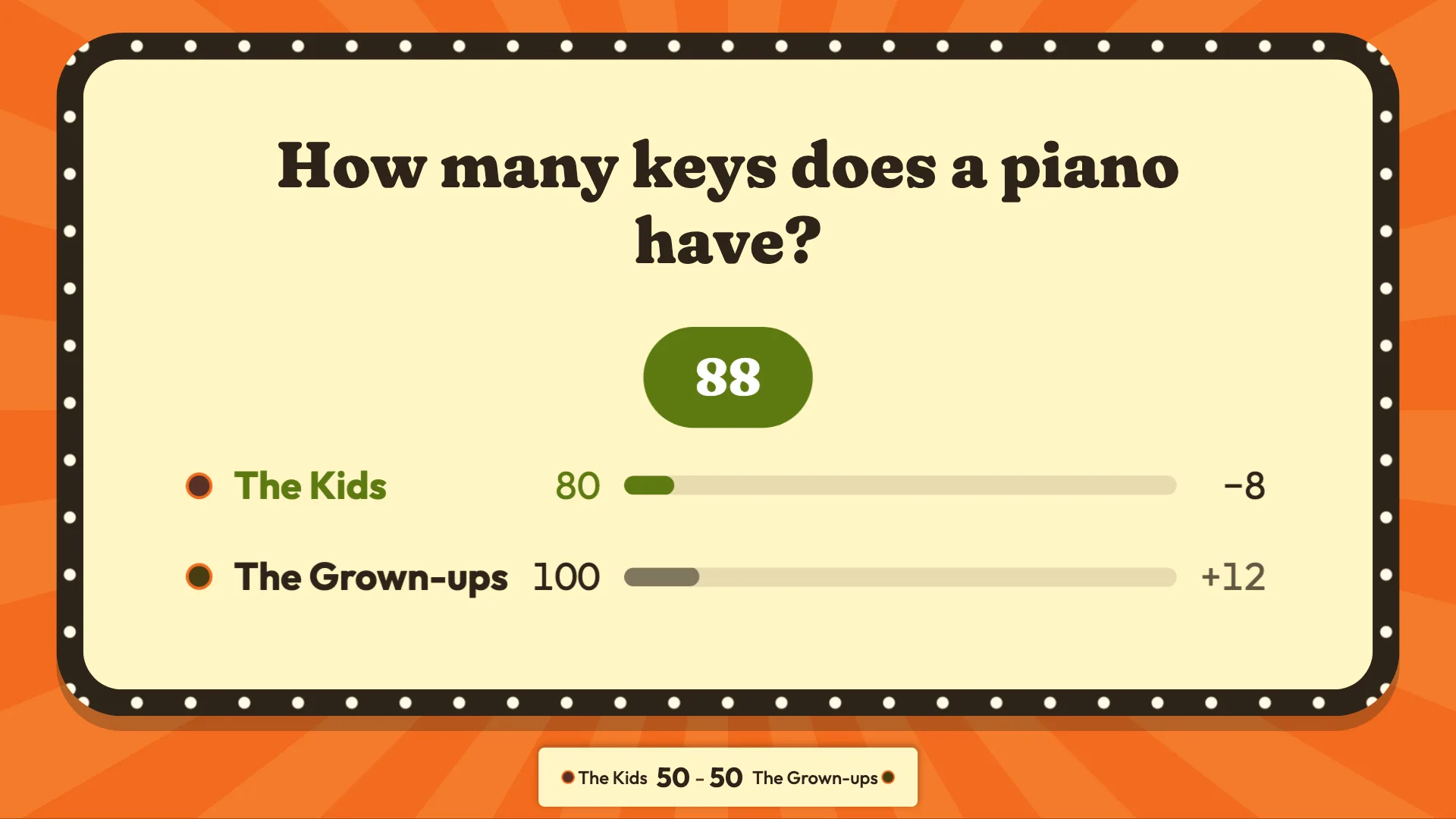
Level at the top
The tiebreak decides: each team writes down a number and the closest wins.
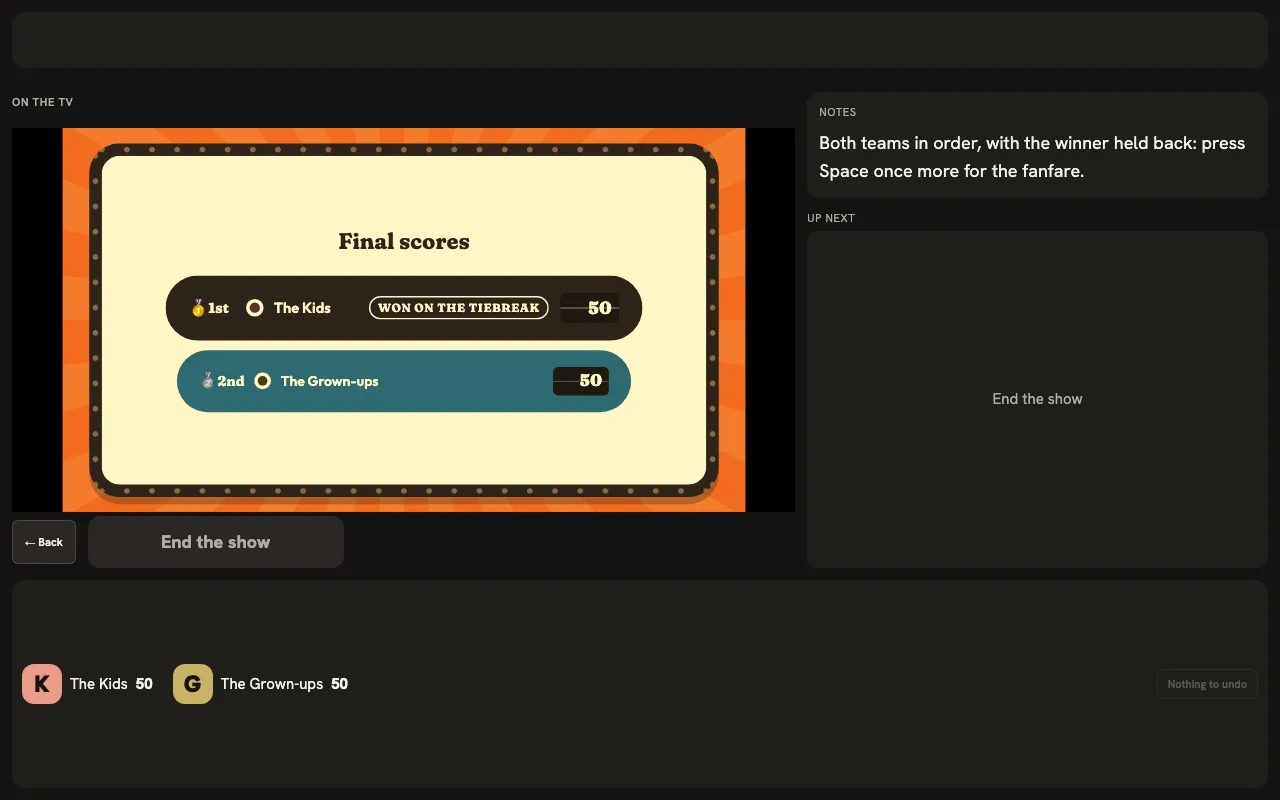
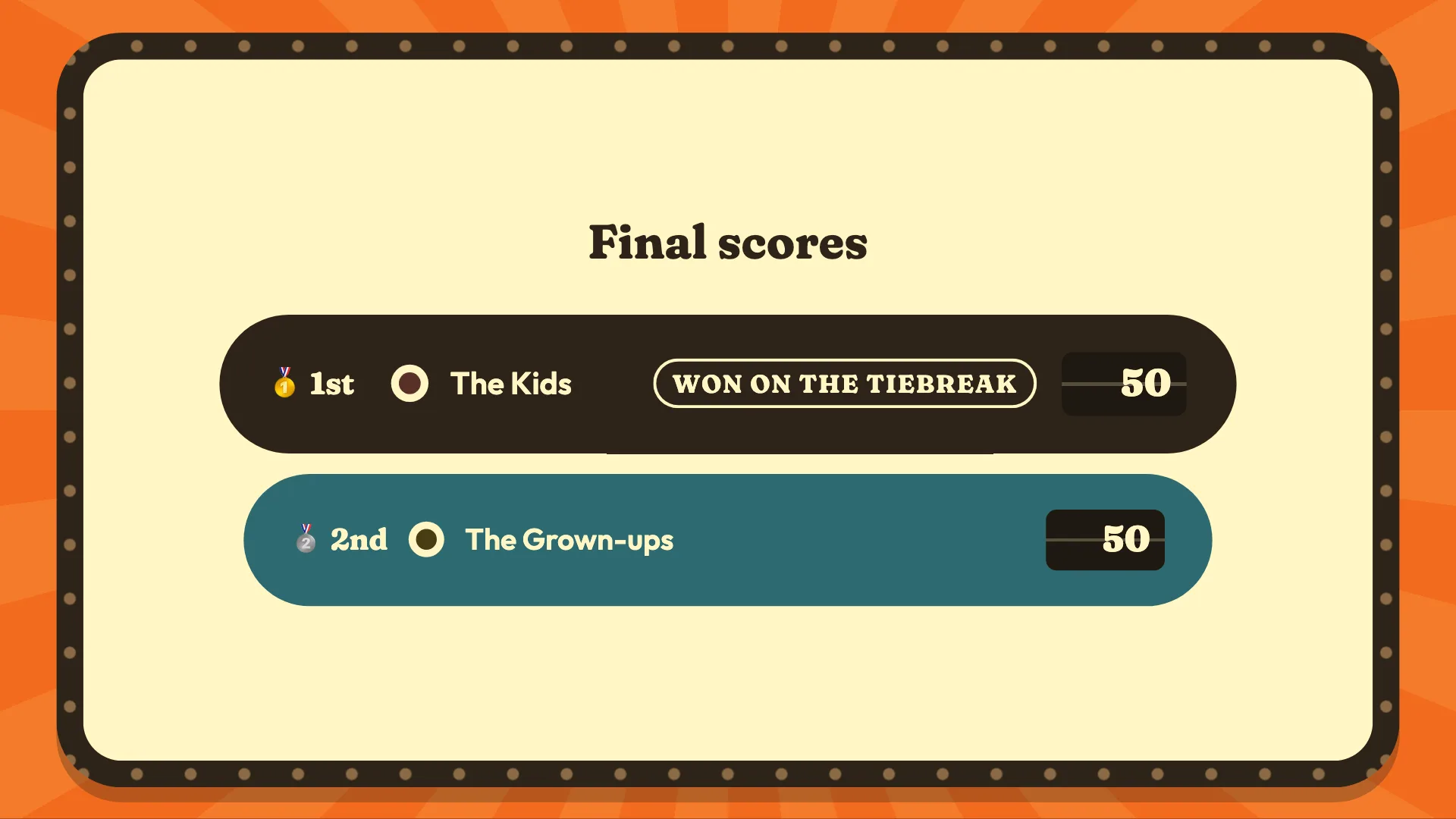
The winners
The final scores, with the winner named when you press Space once more.
Host this quiz on your TV, right now.
Eight family quiz questions with their pictures and tunes, ready for your TV: nothing to print and no slides to make. Press Go live, then Show fullscreen to keep your notes off the TV, and run it from the keyboard. No account.
Teams The Kids · The Grown-ups
What hosts ask first
How do I host a family quiz night?
Write three or four short rounds, plug a laptop into the TV and split the room into two teams. The TV shows each question; your laptop keeps the answers, your notes and the scores, and an answer goes up only when you press.
Kids vs adults: how do I keep it fair?
Give each side its own questions: a round can hold multiple choice for the kids and open questions for the grown-ups, and your notes can carry a clue to read out. With +10 beside a team’s name, a head start for the youngest is yours to give.
Which rounds work for children?
Pictures, music and acting it out. A picture question puts the picture big on the TV, a music question plays its tune when you press play, and in act it out the secret stays on your laptop while the TV runs the minute.
How long should a family quiz be?
About an hour keeps every age in it: three or four short rounds and a tiebreak. This one has three rounds of two or three questions, a minute a turn to act and a tiebreak that plays only if the teams are level.
Do we need phones or an app?
No. The questions are on the TV and each team writes its answers on paper. Nobody downloads an app or joins with a code, so the youngest and the oldest play the same way.
How do I get the quiz on the TV?
With a cable from your laptop to the TV or a projector. The TV shows the questions and the clock; your laptop keeps the answers, your notes and the scores.
Who keeps the score?
Huzzah does, on your laptop: mark each team right or wrong and the standings follow. A tie at the top goes to one closest-number question, and the podium names the winner.
Your own family quiz, with your own questions.Next, your own family quiz.
Make a free account and start a family night: pictures, music, act it out and a tiebreak, ready for your questions.
Create a free accountOpen HuzzahAlready hosting with Huzzah? Sign in